Desk
Your MIDI controller just got a day job outside the DAW.
v1.0.2 · 5.1 MB · requires macOS 26 Tahoe or later
More platforms coming soon.
Meet your controller’s new day job.
Desk points the surface you already mix on at the rest of your Mac — no drivers, no DAW required. The job description, in full:
MIDI becomes keyboard & mouse
Desk translates notes, CCs and pitch bend from your surface into keystrokes and mouse actions for any desktop application — even apps that were never built to hear MIDI or SysEx. Now they have to listen.
One press to learn it
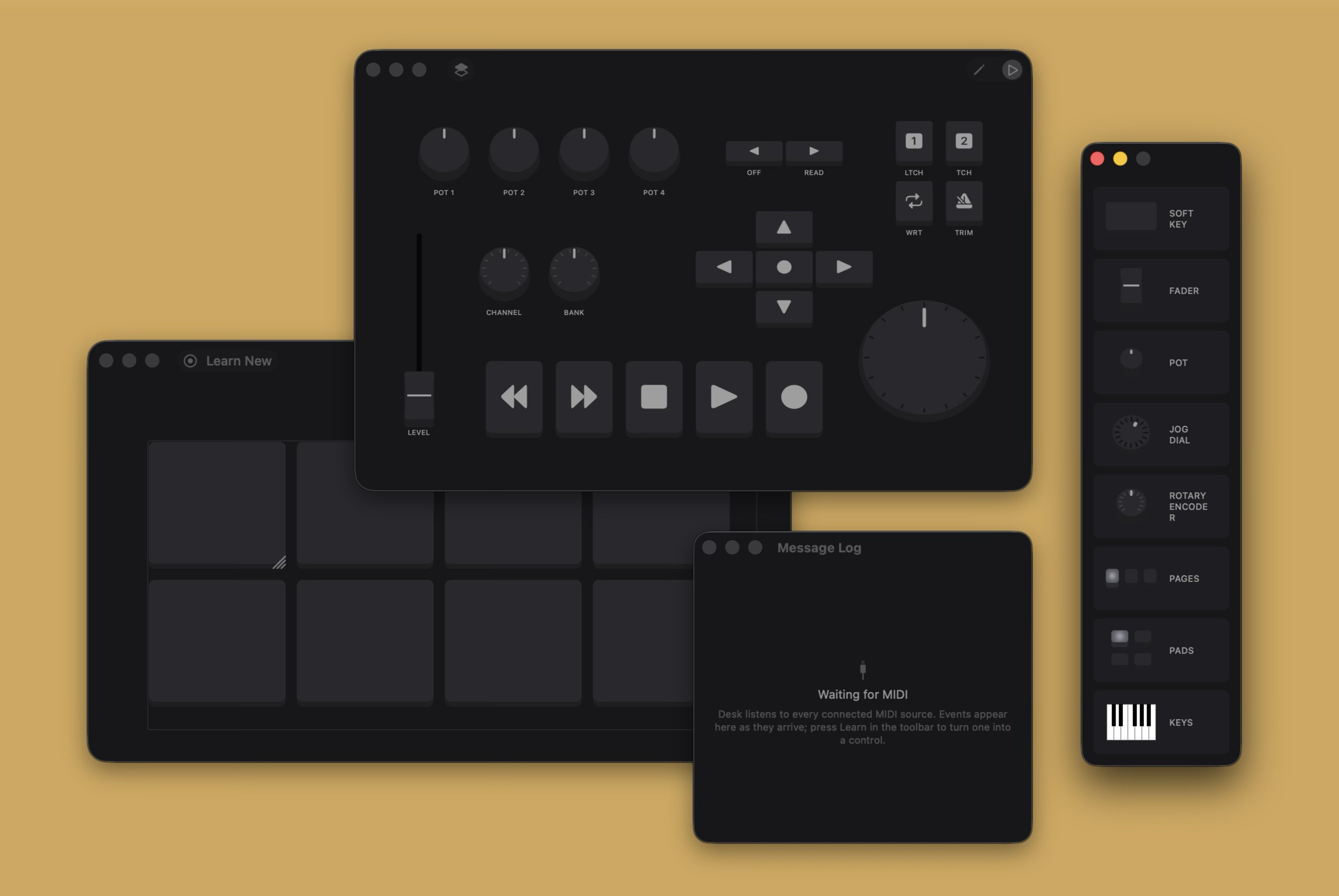
Hit Learn, then touch your hardware — Desk catches the message, works out what kind of control it just met, and maps it. The Message Log shows every note, CC, program change and pitch bend from every connected surface, even the ones your DAW already has its hands on.
Design your own console
Drag soft keys, faders, pots, jog dials, encoders, pads and a full piano keyboard off the Desk Palette and onto the desk — shape it in Edit Mode, perform with it in Control Mode. Page the desk and one controller works many jobs, each page with its own controls and mappings.
Works from the background
Your mappings fire wherever you’re working. Desk keeps things running from the background like a good colleague — never stealing focus, never grabbing the spotlight. Want it in sight? Pin the desk over your other apps.
Made for the surfaces you know
Comes onboarded with templates for the MPC and the LaunchKey — a head start you can reshape in seconds — or begin from a blank desk of any size. Anything that speaks CoreMIDI is welcome.
Portable maps, automatic updates
Maps are .desk documents — every control, mapping and page in one
file. Save one, send it to a friend, and the hardware answers on another machine.
Eight ways to bring a surface to the desk.
Whether you Learn a control straight off the hardware or drag it into a console of your own design, it arrives as one of these eight — here’s the job each one does.
Soft Key
A console button with a backlight and an engraved label. Fires a shortcut on the press — or latches on and stays lit until the key that stops it is pressed.

Fader
An absolute sweep that streams its position — scrub a timeline, ride a value, anywhere a smooth hand-driven range beats a single press.

Pot
A knob Desk tracks for you: every tick turns the value Desk remembers, within the range your hardware learned — endless feel, bounded result.

Jog Dial
Spin it and Desk steps either way through whatever moves in steps — scrub a waveform, frame-step a video, nudge anything.
Rotary Encoder
Endless in the hand, decisive at the notch: tick a parameter either way and stop where the mapping stops. A pushable pot adds a press of its own.
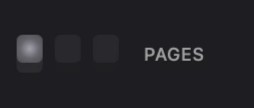
Pages
The pager’s keys ARE the pages — press one and the whole desk flips to it. One surface, many jobs, every page with its own controls.
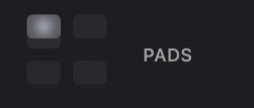
Pads
An MPC-style grid that reflows as you resize it. Learn each pad its own trigger, label it, light it — and fire shortcuts off rubber.
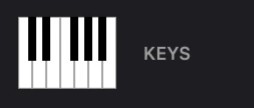
Keys
A piano keyboard that scales as one. Learn it with a single press of its bottom key and every key maps chromatically from there — engraved with its note, or lit with its note’s crayon in Rainbow Keys.
Onboarding takes a minute
No drivers, no scripts, no reverse-engineering. Four steps and your controller’s first day is done.
-
1
Download & open
Grab the latest DMG — macOS 26 Tahoe or later — open it, and grant Desk Accessibility access so it’s allowed to type on behalf of your console.
-
2
Start a desk
Choose how the desk begins: the MPC or LaunchKey template for a head start on those surfaces, or a blank desk of any size. Drag controls off the palette to shape it.
-
3
Learn it in a press
Hit Learn and touch the button, fader or knob on your surface — Desk catches the MIDI message and maps it, then you give it the shortcut to fire. Even while your DAW thinks it has the device to itself.
-
4
Stay in the flow
Get on with your work in any app — Desk quietly fires your mappings from the background, never stealing focus. Pin the desk over your apps when you want the console in sight. Orientation complete.
From one human to another
Desk is built and supported by The Mix Bus — a working studio. We (royally) do what we love, and share it, so you can love it too. If something’s off, or there’s a feature you’d love to see, drop us a line — a human (not a bot) will get back to you.