Annolyzer
A spectrum analyzer that annotates. Capture a snapshot, make your moves then see for yourself...
Measure against your insights, not your guess
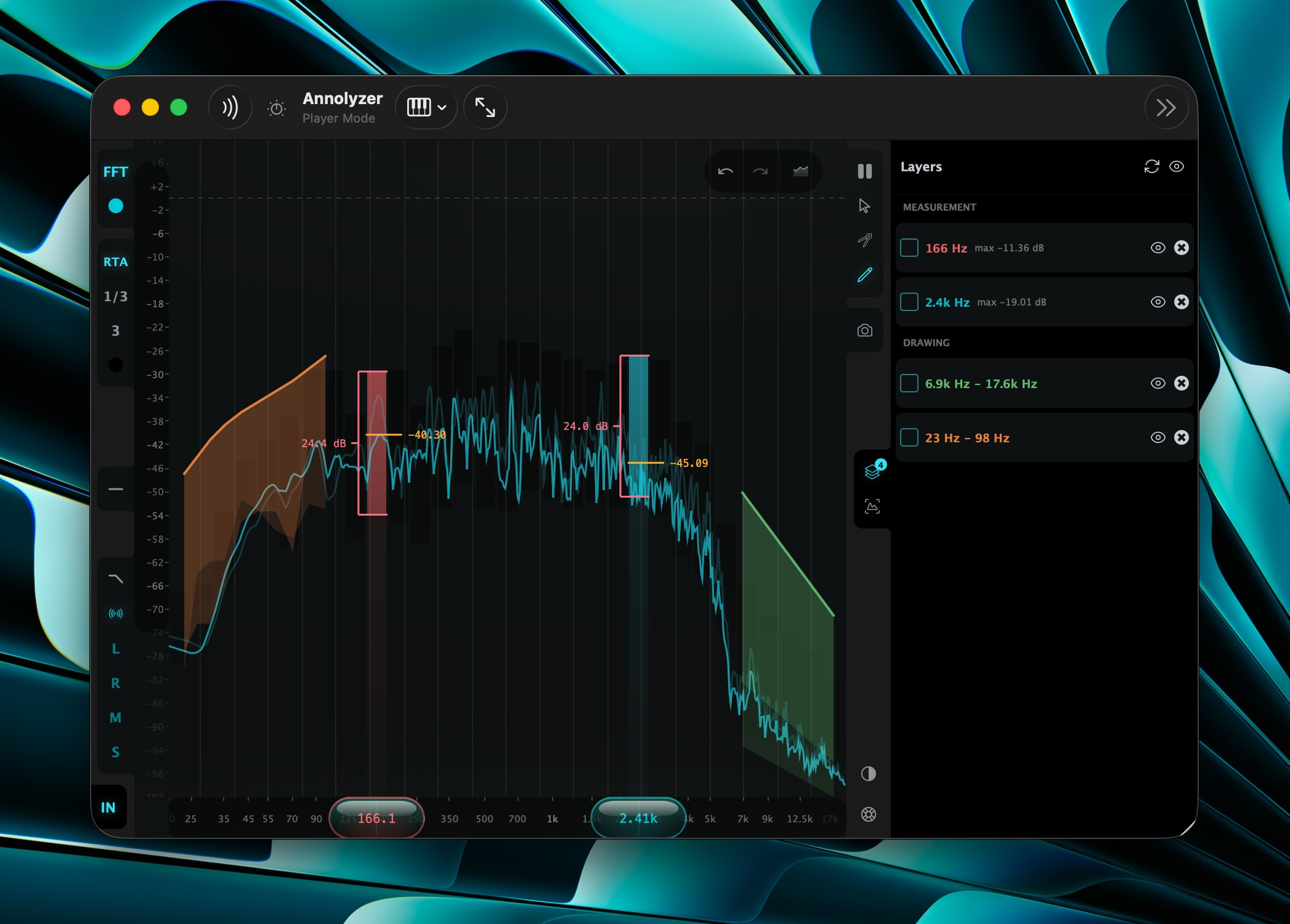
Annolyzer pairs a full-resolution FFT trace with constant-Q RTA bands, then lets you freeze, annotate and compare — so every move you make is checked against the one you just made.
Annotation snapshots
Capture the spectrum as you work and compare before against after — with draggable labels, master visibility and opacity controls. You’re measuring against yourself, not guessing.
Stereo, L, R, Mid & Side
Tap the component you care about. Stereo combines left and right by power, keeping the width that a Mid sum cancels.
Spectral tilt
Flat, +3.0 or +4.5 dB/octave about 1 kHz, host-automatable — so a balanced mix reads closer to level without touching the audio.
FFT & RTA as independent layers
A full-resolution trace and constant-Q bands, each with its own colour, toggled independently — plus an always-on RMS trace under a rolling-peak overlay.
Hold to freeze
Park the current spectrum and watch your next move land against it. The whole display stops advancing and holds the frame it last drew.
Measure & draw tools
Place Level+DR meters at any frequency, draw freehand marks that dance with the signal, and annotate with points, bands and notes — all saved with your session.
Available on every platform you work on
Annolyzer ships as AU and VST3 on macOS, and VST3 on Windows and Linux — installed and updated through The Mix Bus Plugin Manager. One click in Plugin Manager lays it down into the right plugin folders for your DAW, verified by SHA-256 before it’s unpacked.

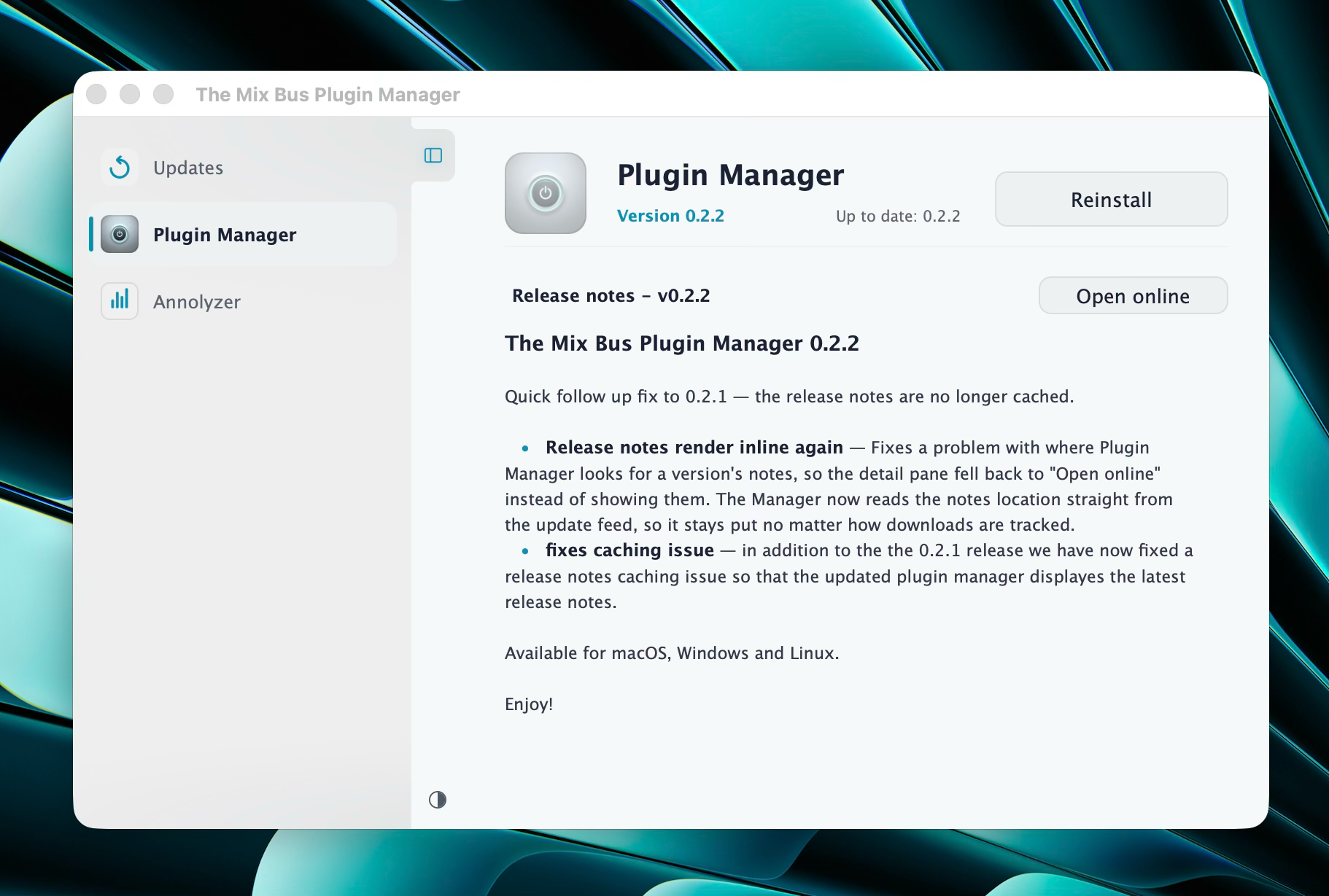
Plugin Manager
All our plugins, up-to-date, in one place.
The Mix Bus provide Plugin Manager to make installing and managing our plugins a sinch. Download and install Plugin Manager and install the plugins with a single click.